Understanding the Red Glow of Your Apple Watch Sensor
Introduction to Apple Watch Features
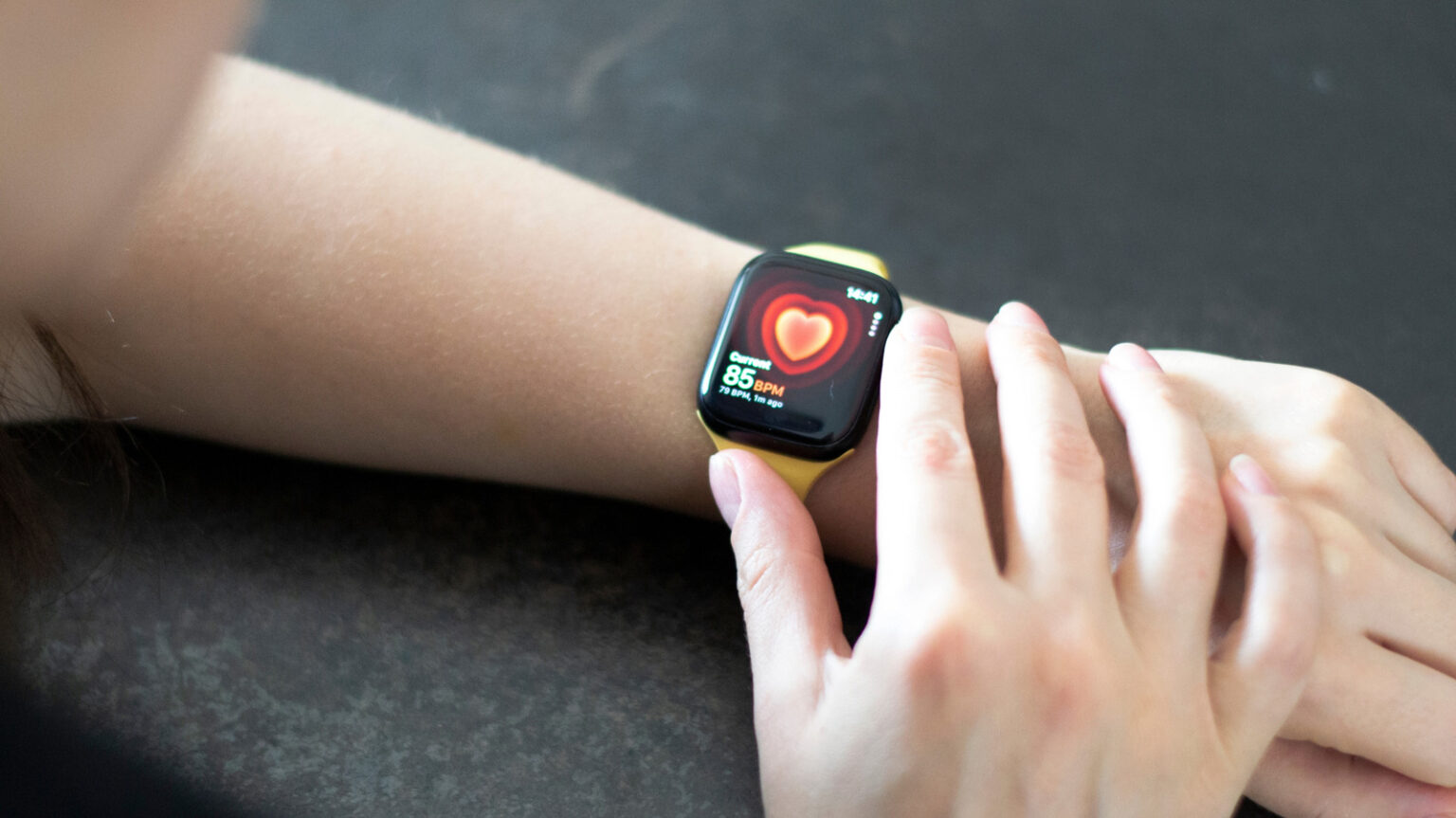
The Apple Watch stands as one of the leading smartwatches in the market. Although the recent Series 11 introduces only minor updates, these enhancements build upon an already robust device. However, numerous features of the Apple Watch may go unnoticed by users. A noteworthy instance is when the watch’s sensor begins to glow red, which can cause concern, but it is not an indication of malfunction.
What the Red Glow Indicates
When the sensor on your Apple Watch emits a red light, it is functioning to measure your blood oxygen levels. This occurs particularly when the Sleep Focus or Theater Mode settings are activated. This process is categorized as a “background measurement” and is typically observed in dim environments, such as during sleep or while you are in a cinema. Interestingly, the bright red light can be quite conspicuous in situations where you aim to reduce distractions.
The Apple Watch is equipped with multiple sensors, one of which includes a depth gauge designed for measuring water levels. In addition to assessing blood oxygen levels, the device is capable of monitoring heart rate through the use of green lights. Similar to the blood oxygen monitoring, this feature also activates in low light conditions, resulting in the watch glowing green.
Adjusting Blood Oxygen Level Monitoring Settings
Health professionals often emphasize the importance of monitoring blood oxygen levels. While you can manually check these levels using the Blood Oxygen app, the watch may automatically conduct measurements, resulting in the red light on your wrist. Users can disable this feature by navigating to the Settings app, selecting “Blood Oxygen,” and toggling off the options for “In Sleep Focus” and/or “In Theater Mode.”
Depending on individual health circumstances, some users may prefer to maintain the blood oxygen monitoring feature, despite the potential distraction posed by the red light. To review historical data on blood oxygen levels, users must rely on an iPhone linked to the Apple Watch. Within the Health app on the phone, users can access this information by tapping the search function and selecting “Respiratory,” followed by “Blood Oxygen.”
If users wish to avoid the red light emitted during blood oxygen monitoring, they do have the option to disable it. However, for those who need or want to keep track of their blood oxygen levels, the visibility of the light is an unavoidable aspect of the feature. The pursuit of health often requires a balance of convenience and adjustments in daily lifestyle.