

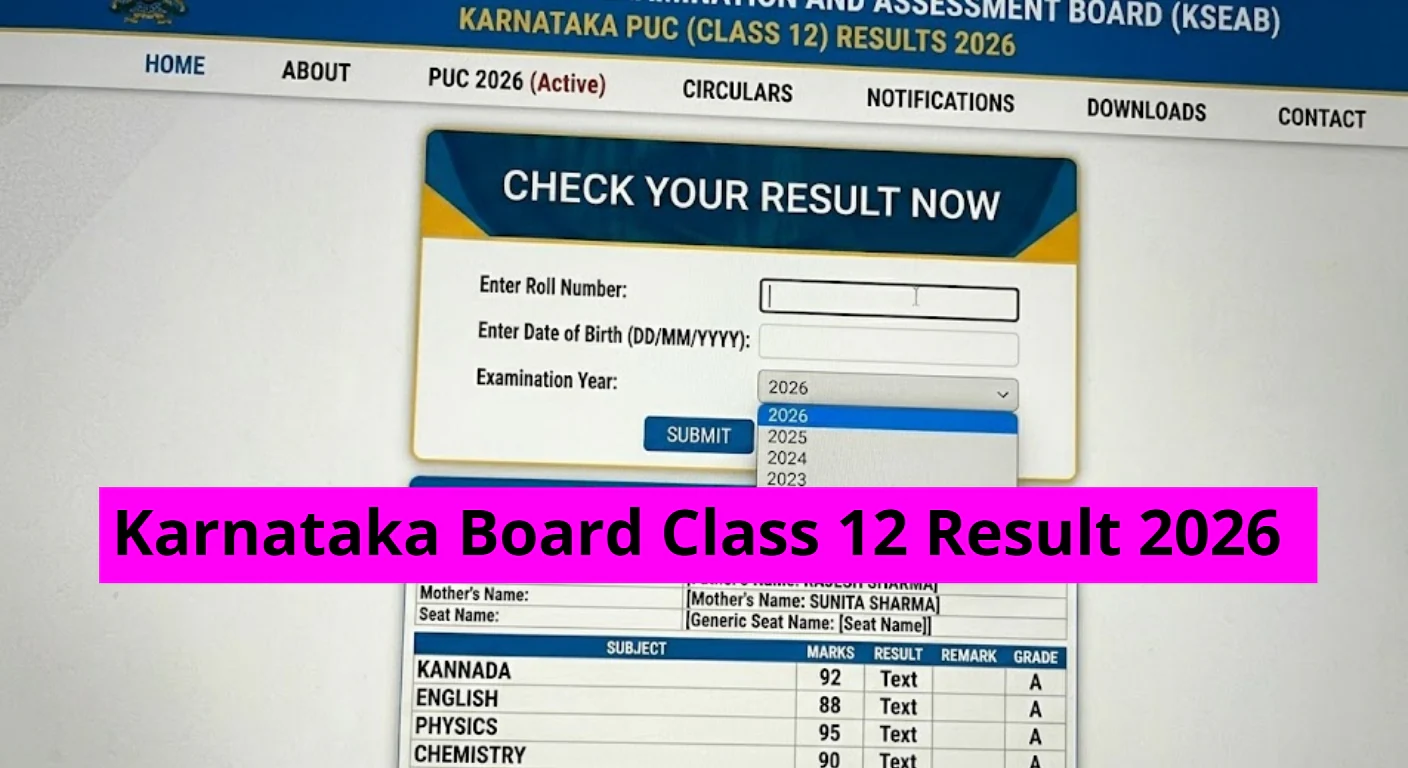
Karnataka 2nd PUC Result 2026 Released: Check Details Here
Official Declaration of Results
The Karnataka School Examination and Assessment Board (KSEAB) has announced the results for the 2nd PUC (Class 12) examinations. Students who took the exams can access their results on the official websites, including karresults.nic.in and kseab.karnataka.gov.in, as well as via DigiLocker.
To check results on karresults.nic.in, students need to enter their registration details and select the appropriate subject. This year, the Karnataka 2nd PUC examinations were held from February 18 to March 17 across 1,217 examination centers statewide.
A total of 7,10,363 students from 5,174 pre-university colleges registered for these examinations. The breakdown of the students shows 2,92,645 from the science stream, 2,11,174 from commerce, and 1,42,982 from the arts stream.
Direct Links and Additional Resources
In addition to the official websites and DigiLocker, students can also view their results through the KarnatakaOne mobile application. This year marks the first instance of scorecards being available on DigiLocker, where students can access their digital marksheets at digilocker.gov.in.
To facilitate access to results, the board has made provisions for sharing results via registered mobile numbers. Students will receive their results through SMS or WhatsApp, providing alternative means for obtaining them and reducing reliance on online platforms.
Step-by-Step Guide to Check Results
For those using the official website, the following steps can be followed to check the Karnataka 2nd PUC Result 2026 on karresults.nic.in:
Step 1: Visit the official website – karresults.nic.in
Step 2: Click on the “PUC II Exam 1 Result 2026” link
Step 3: Enter your registration number and date of birth
Step 4: Click on “Submit” to view your result
Students can also refer to the KarnatakaOne app to check their results. The procedure to verify results on the app is as follows:
Download the KarnatakaOne app from the Google Play Store or the official Karnataka government website.
Register using your mobile number.
Click on the “SSLC/PU Examination” tab.
Select “PUC” and choose “PUC Exam Result.”
Enter your subject combination and PUC registration number.
Click on “Search” to view your result.
The digital result displayed on the KarnatakaOne app can be downloaded and used as a reference until official marksheets are received.
Support and Assistance
Students who encounter issues while checking or downloading their results are encouraged to contact the official helpline at 080-23460525 for assistance.
Follow US
https://www.facebook.com/charchaexpress
https://www.youtube.com/@charcha-express
https://www.instagram.com/charcha.express/
Contents
Official Declaration of ResultsThe Karnataka School Examination and Assessment Board (KSEAB) has announced the results for the 2nd PUC (Class 12) examinations. Students who took the exams can access their results on the official websites, including karresults.nic.in and kseab.karnataka.gov.in, as well as via DigiLocker.To check results on karresults.nic.in, students need to enter their registration details and select the appropriate subject. This year, the Karnataka 2nd PUC examinations were held from February 18 to March 17 across 1,217 examination centers statewide.A total of 7,10,363 students from 5,174 pre-university colleges registered for these examinations. The breakdown of the students shows 2,92,645 from the science stream, 2,11,174 from commerce, and 1,42,982 from the arts stream.Direct Links and Additional ResourcesIn addition to the official websites and DigiLocker, students can also view their results through the KarnatakaOne mobile application. This year marks the first instance of scorecards being available on DigiLocker, where students can access their digital marksheets at digilocker.gov.in.To facilitate access to results, the board has made provisions for sharing results via registered mobile numbers. Students will receive their results through SMS or WhatsApp, providing alternative means for obtaining them and reducing reliance on online platforms.Step-by-Step Guide to Check ResultsFor those using the official website, the following steps can be followed to check the Karnataka 2nd PUC Result 2026 on karresults.nic.in:Step 1: Visit the official website – karresults.nic.inStep 2: Click on the “PUC II Exam 1 Result 2026” linkStep 3: Enter your registration number and date of birthStep 4: Click on “Submit” to view your resultStudents can also refer to the KarnatakaOne app to check their results. The procedure to verify results on the app is as follows:Download the KarnatakaOne app from the Google Play Store or the official Karnataka government website.Register using your mobile number.Click on the “SSLC/PU Examination” tab.Select “PUC” and choose “PUC Exam Result.”Enter your subject combination and PUC registration number.Click on “Search” to view your result.The digital result displayed on the KarnatakaOne app can be downloaded and used as a reference until official marksheets are received.Support and AssistanceStudents who encounter issues while checking or downloading their results are encouraged to contact the official helpline at 080-23460525 for assistance.