CBSE 10th Result 2026 Announcement Imminent: Downloading Results via DigiLocker
Overview of Result Announcement
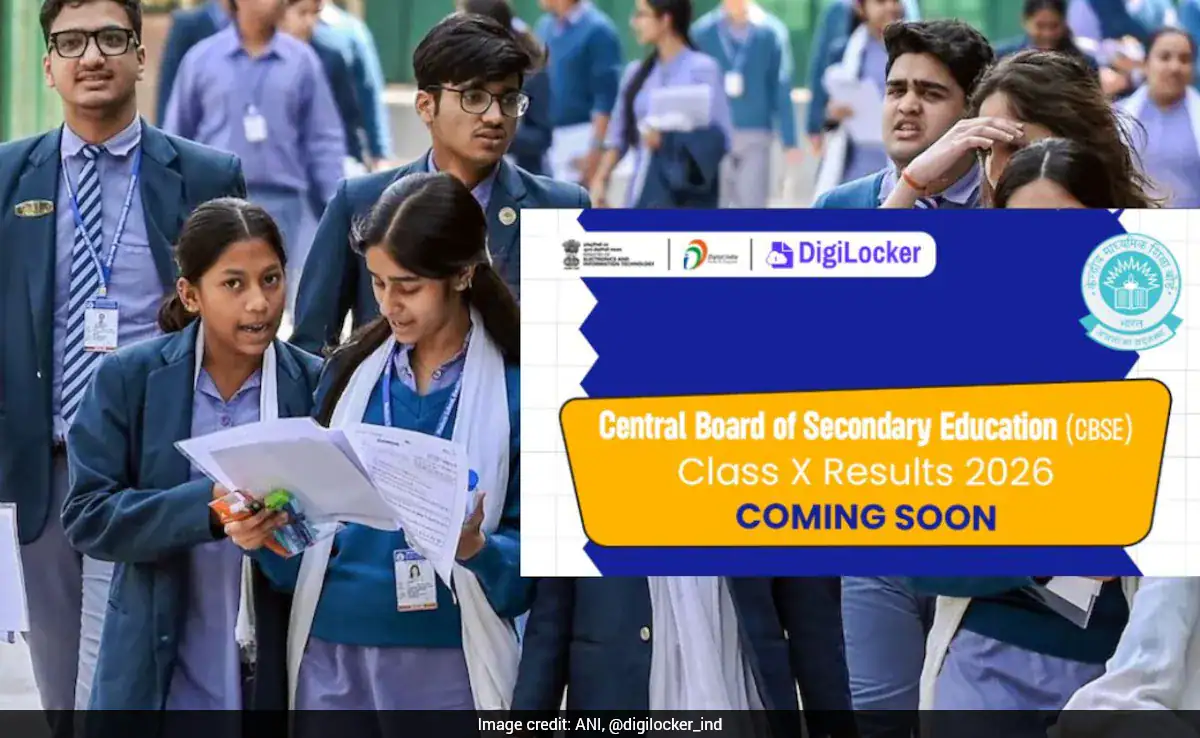
The Central Board of Secondary Education (CBSE) is preparing to announce the results for the Class 10 Board Examination 2026 (Session 1). Approximately 25 lakh students are awaiting the outcome, and the announcement is expected to take place soon. In anticipation of this, DigiLocker has advised students to create and activate their accounts to facilitate immediate access to their scorecards once they are released. The platform has highlighted the importance of doing this in advance to prevent a rush when the results are declared.
DigiLocker Advisory for Students
DigiLocker has provided essential instructions, particularly for students who do not possess an APAAR ID. These students can set up their accounts by accessing the CBSE services portal, where they can use the credentials supplied by their respective schools. For those whose APAAR IDs are already linked with CBSE, digital mark sheets will be available directly in the “Issued Documents” section as soon as the results are published. This approach aims to help students access their results efficiently without facing delays or long queues.
Steps to Create a DigiLocker Account
To create a DigiLocker account, students can follow these steps:
1. Visit cbseservices.digilocker.gov.in
2. Click on “Get Started”
3. Enter the required details along with the access code provided by the school
4. Verify the mobile number using the OTP sent
5. Activate the account
Following the declaration of results, digital mark sheets and certificates will be issued via DigiLocker shortly thereafter.
Result Date Unconfirmed
As of now, CBSE has not officially confirmed the date and time for the announcement of Class 10 results. However, an earlier release is anticipated in light of the upcoming second phase of board examinations (Session 2), which is scheduled for May 2026.
Where to Access CBSE Class 10 Results 2026
Students can check their results through various online platforms, including:
– cbse.gov.in
– results.nic.in
– results.digilocker.gov.in
– umang.gov.in
To access their results, students will need specific credentials including their roll number, school number, admit card ID, date of birth, and a security pin.
Alternative Methods to Access Results
In addition to online platforms, students can also utilize the following methods to access their results:
– UMANG app
– SMS services
– IVRS facility
Students are encouraged to keep their login credentials readily available and to stay updated with official notifications to ensure timely access to their results.